
Dabdoub Law Firm
A portrait series for Dabdoub Law Firm, developed around a consistent color language that balances professional authority with a more human, contemporary presence.
- Project
- Dabdoub Law Firm
- Sector
- Professional Services
- Studio
- Color Wheel
- Discipline
- Color
- Format
- Portrait Series
- Year
- MMXXVI

The portraits.
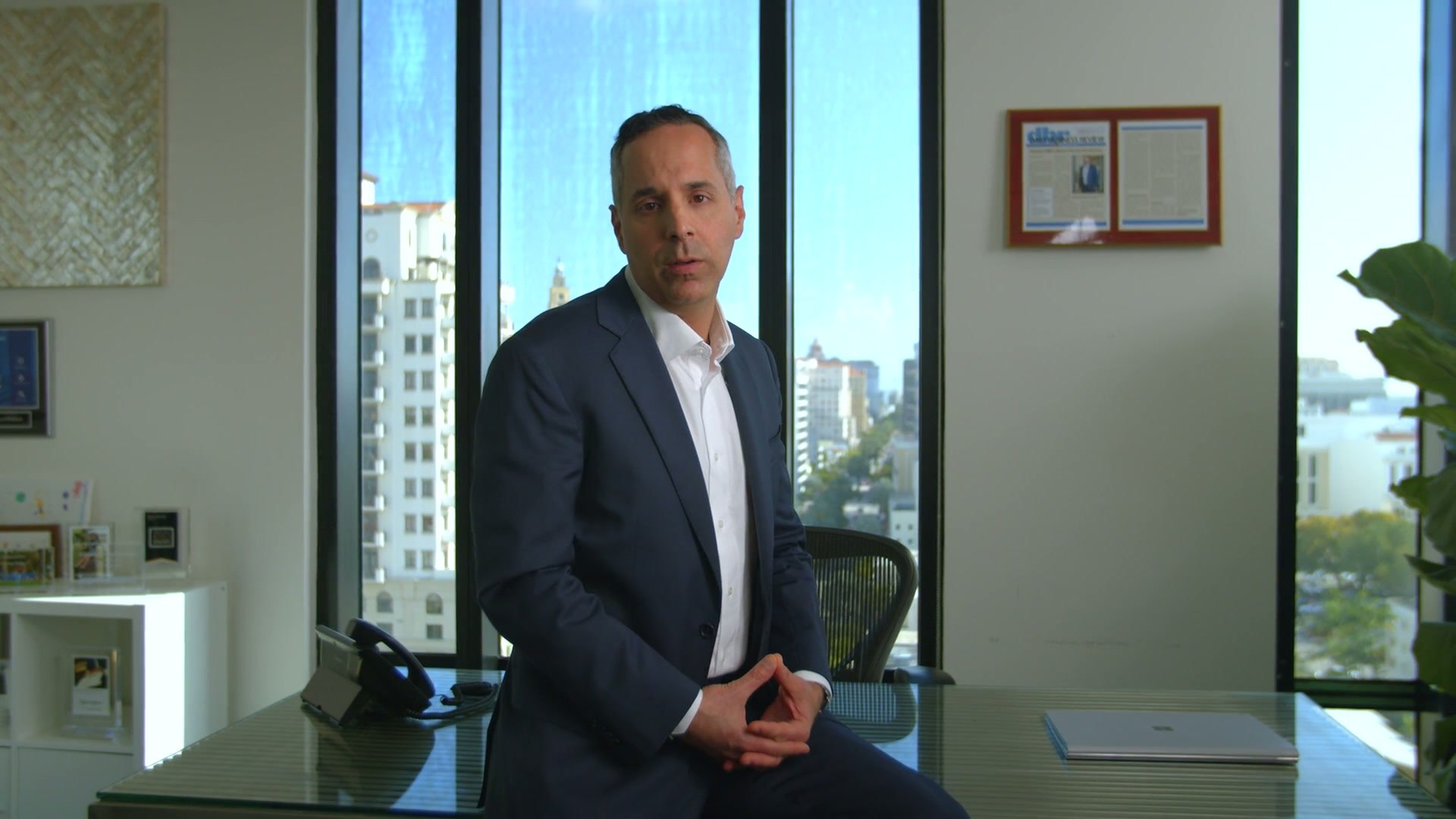
Edward Dabdoub
Managing Partner01 / 07Authority, without the distance.
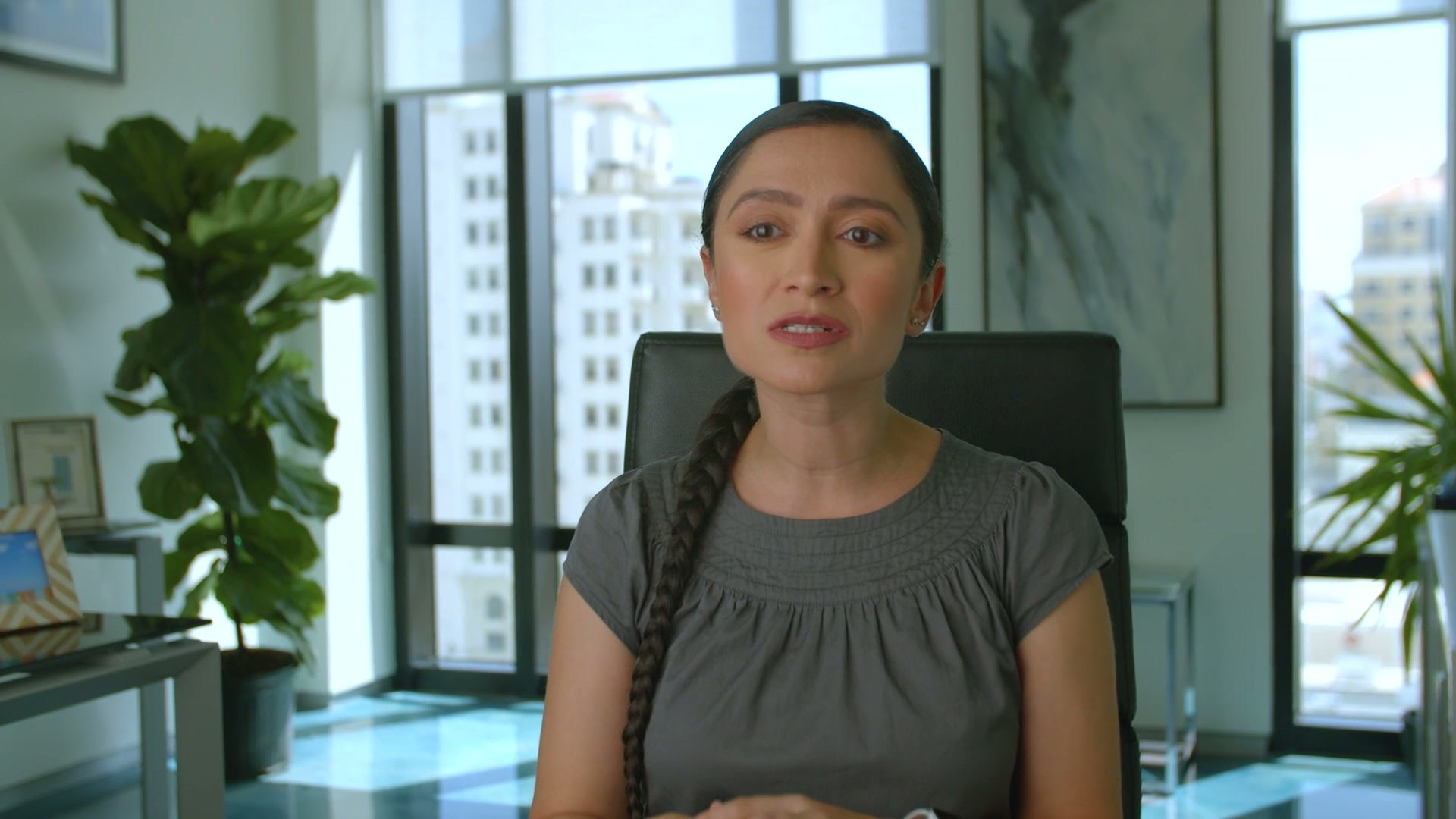
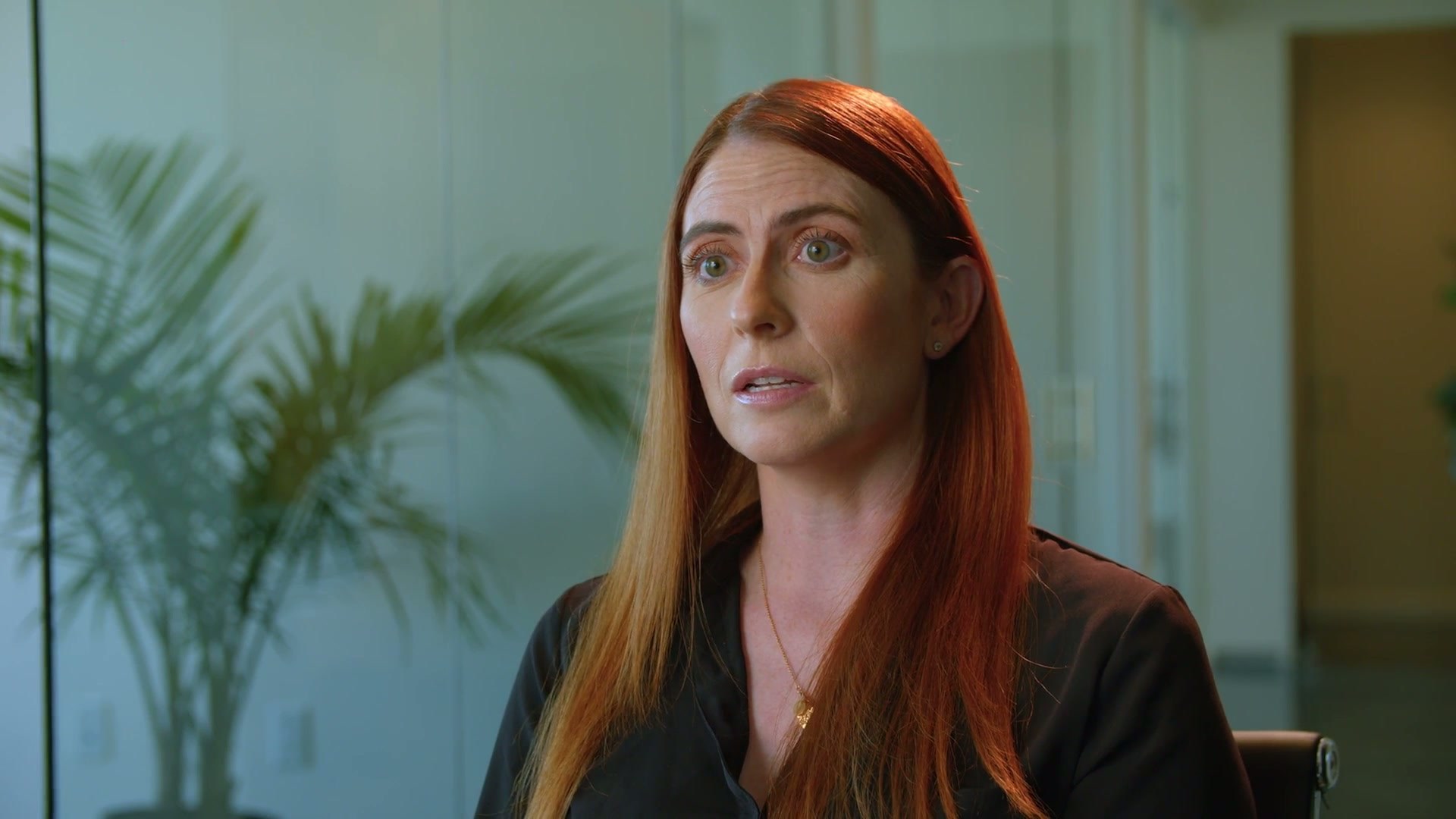
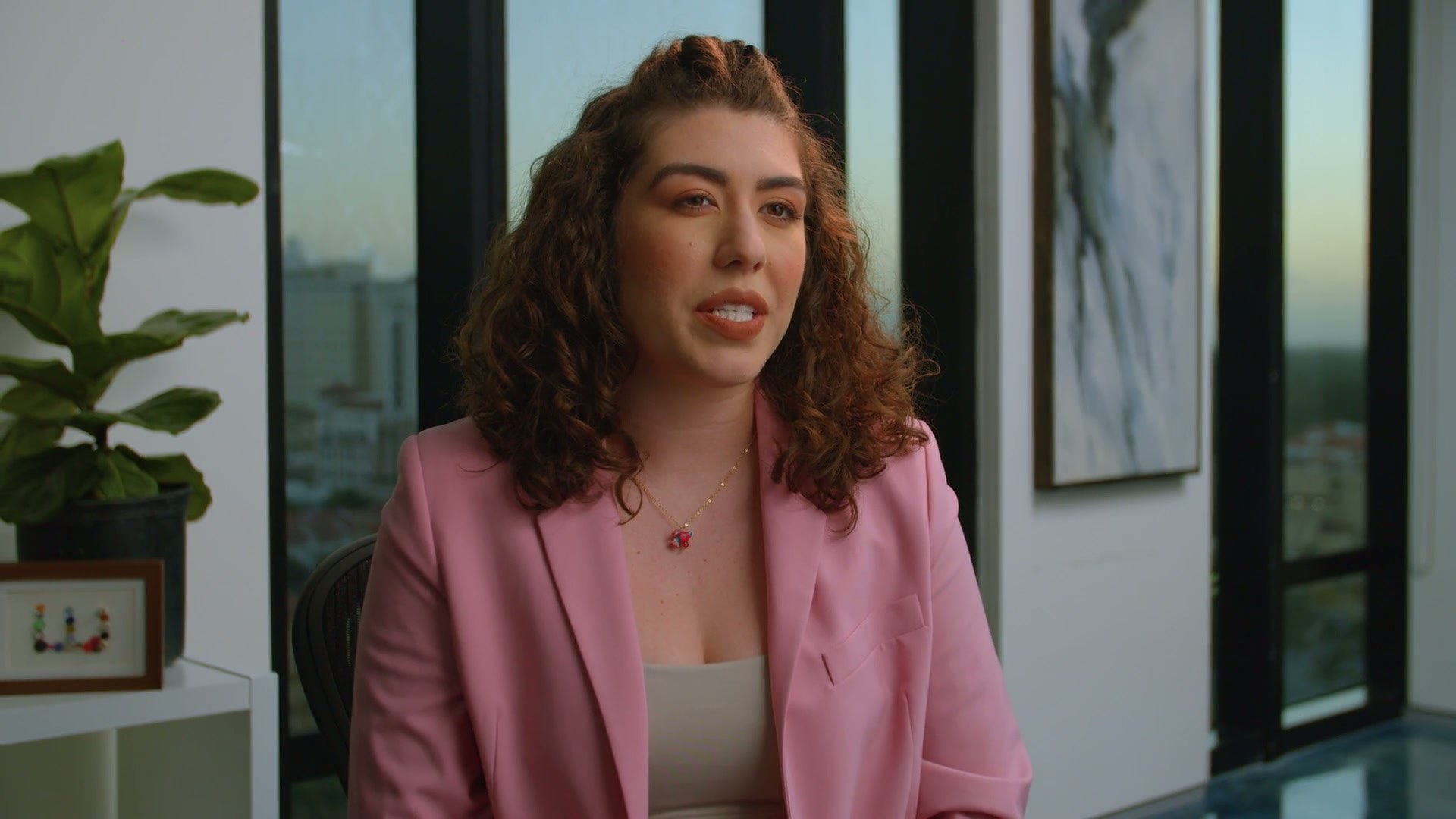
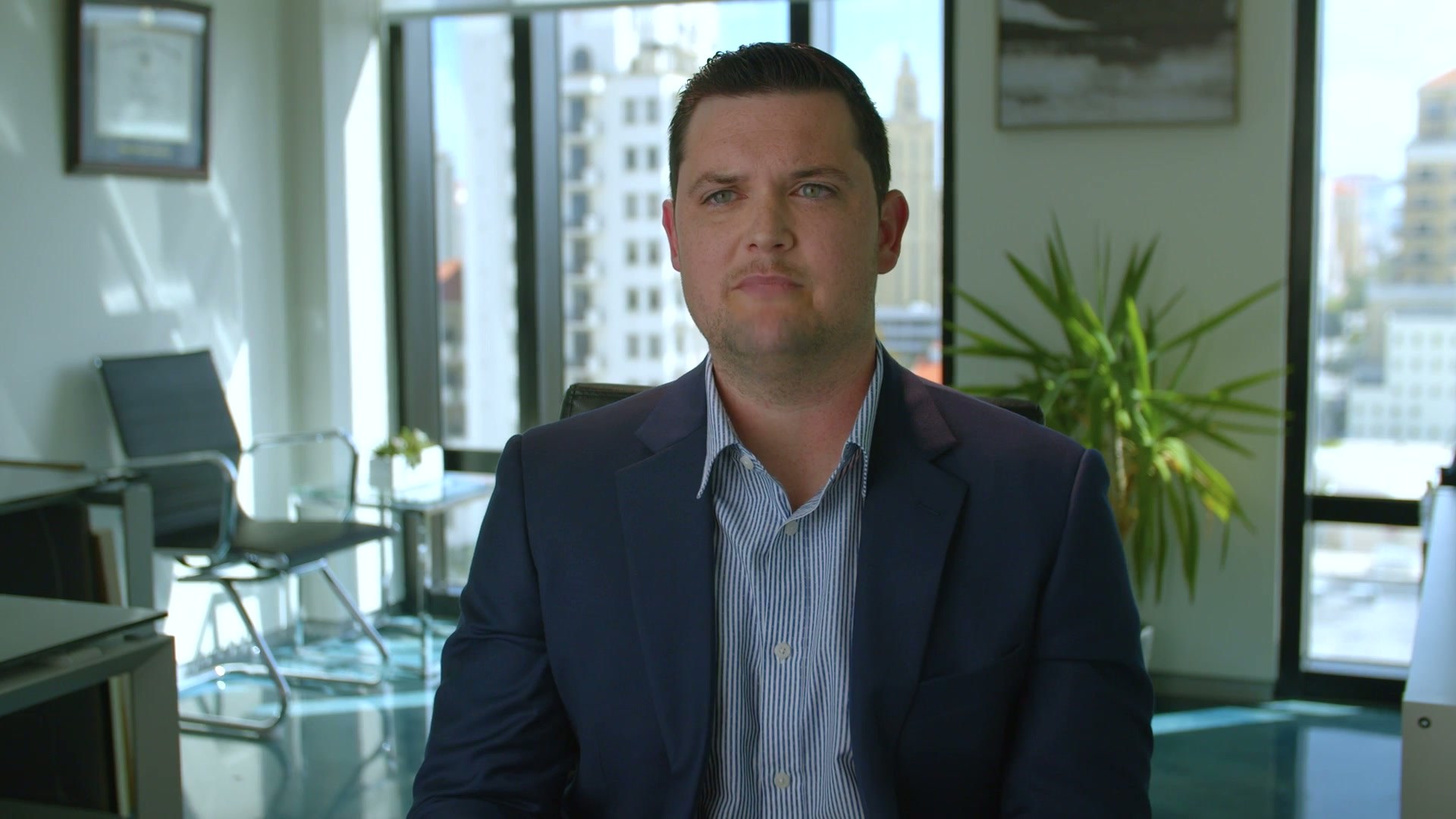
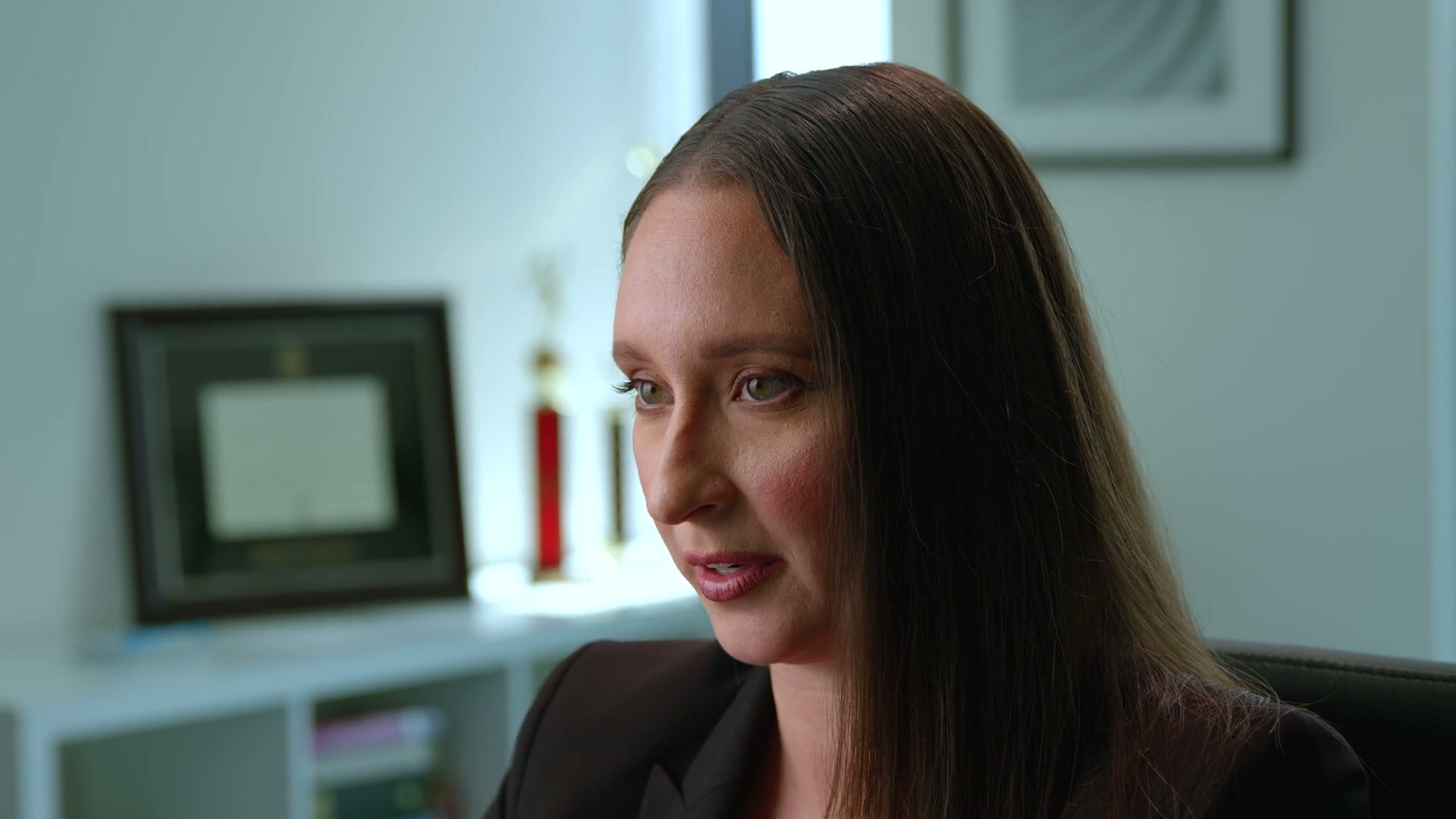
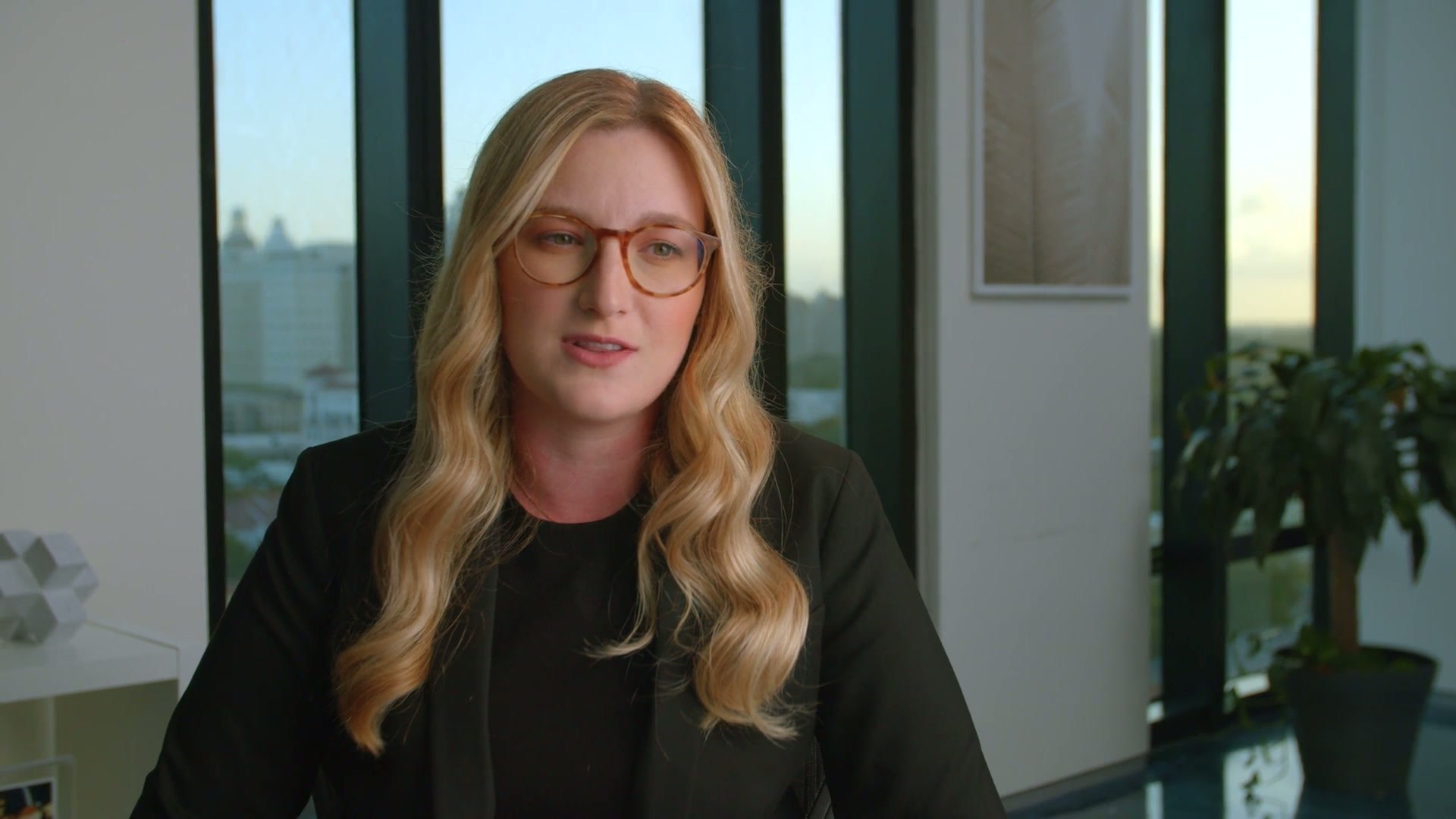
Legal portraiture tends toward either corporate neutrality or excessive polish. The intention here was different: preserve the authority expected of the profession while allowing the people behind the firm to remain present.
The grade was built around controlled warmth, natural skin tones and restrained contrast. Deep blacks give the image weight, while the daylight and practical warmth of the environment keep it from feeling clinical. Cooler information in the shadows creates separation without pushing the image toward conventional corporate blue.
- 01 Skin
- Natural. Controlled. Present.
- 02 Warmth
- Present, never pushed.
- 03 Contrast
- Depth without losing detail.
- 04 Shadow
- Cool separation without corporate blue.
- 05 Daylight
- Neutral without becoming clinical.
- 06 Continuity
- One baseline across changing wardrobes and environments.
#0e1116#496470#8a6a4a#906250#b9c4cbThe image, under control.
Seven portraits are treated as one visual system. A common baseline establishes skin, density, contrast and environmental balance before each frame is refined individually.
Balance
Set the base relationship between exposure and neutral values.
Skin
Establish skin as the primary color reference.
Match
Bring the portraits onto a common baseline.
Secondaries
Refine wardrobe, background and local color independently.
Contrast
Shape density and separation while preserving detail.
Finish
Final shot-to-shot refinement and consistency pass.
Working environment
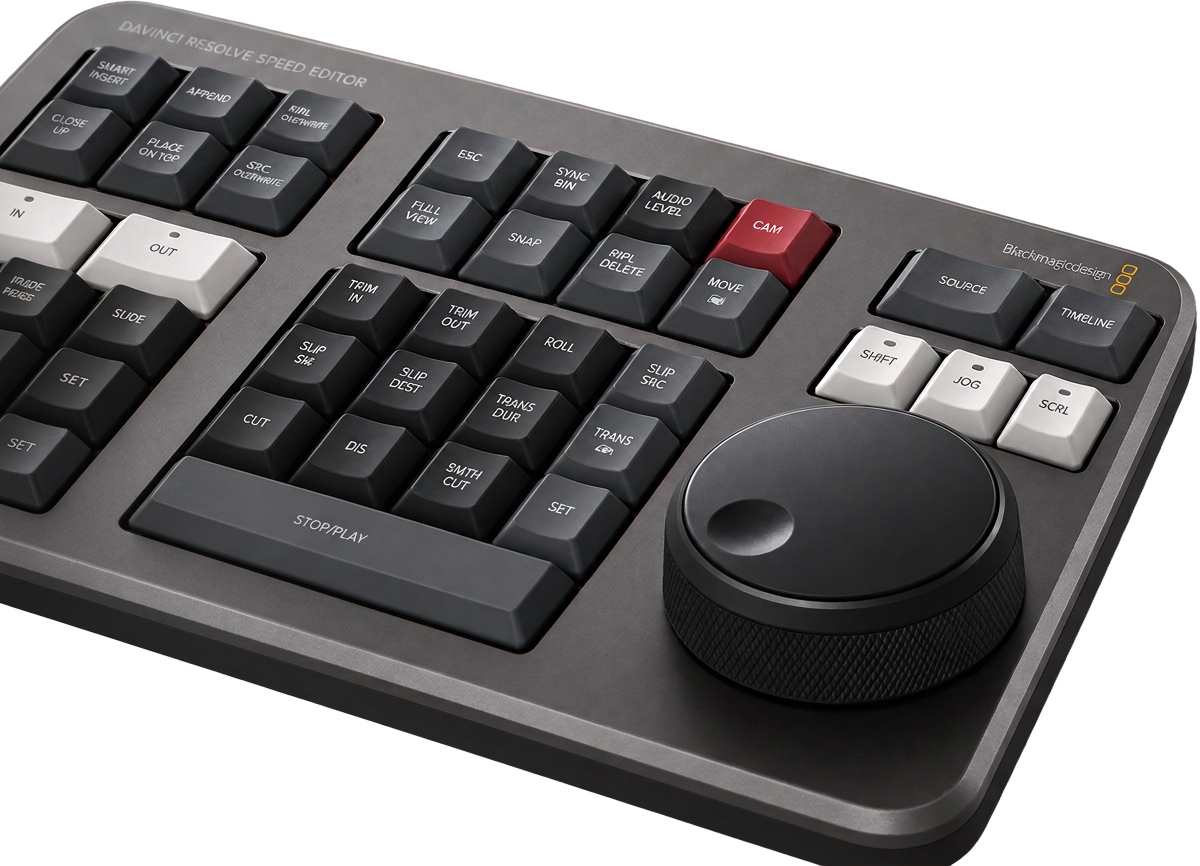
- DaVinci Resolve Studio
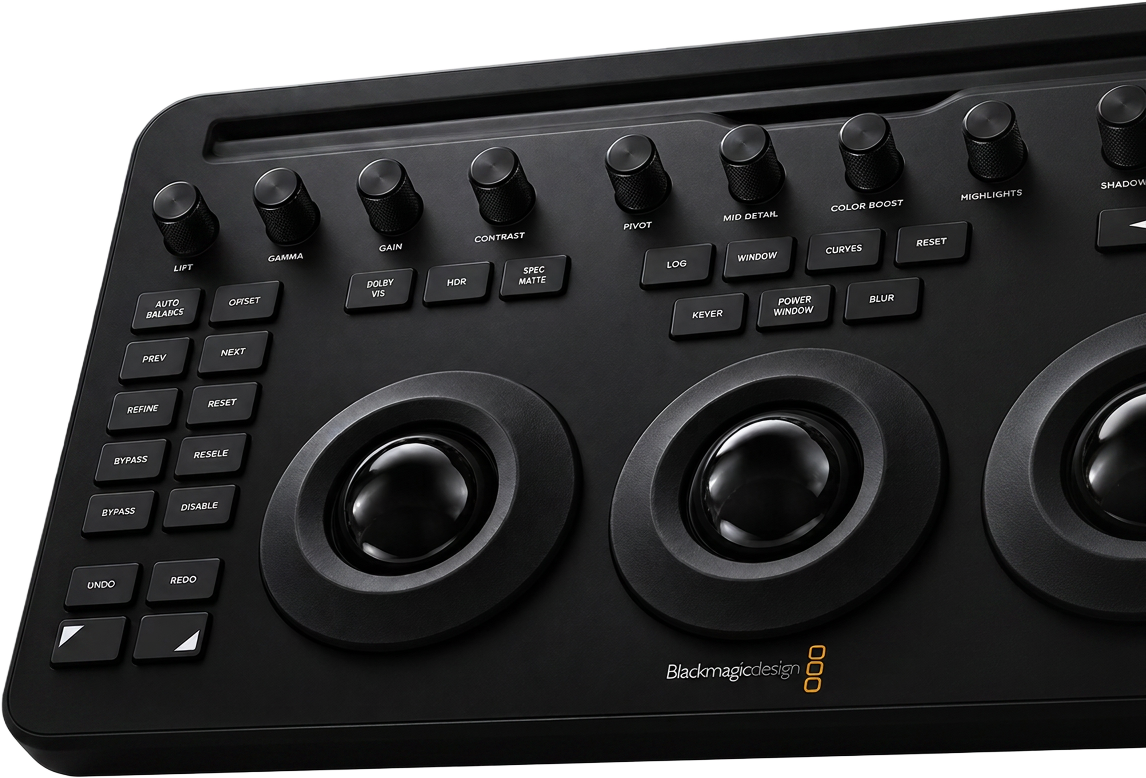
- DaVinci Resolve Micro Color Panel
Node-based grading, scopes and signal analysis in DaVinci Resolve Studio, graded on hardware panels — the physical half of Color Wheel's process.
One firm. One visual language.
Each portrait responds to a different person, wardrobe and environment. The grade establishes the common baseline — skin, density, contrast and warmth — that allows the series to remain consistent without making every frame identical.
- Color Wheel
- Color
- Tools
- DaVinci Resolve Studio · DaVinci Resolve Micro Color Panel